Software engineers
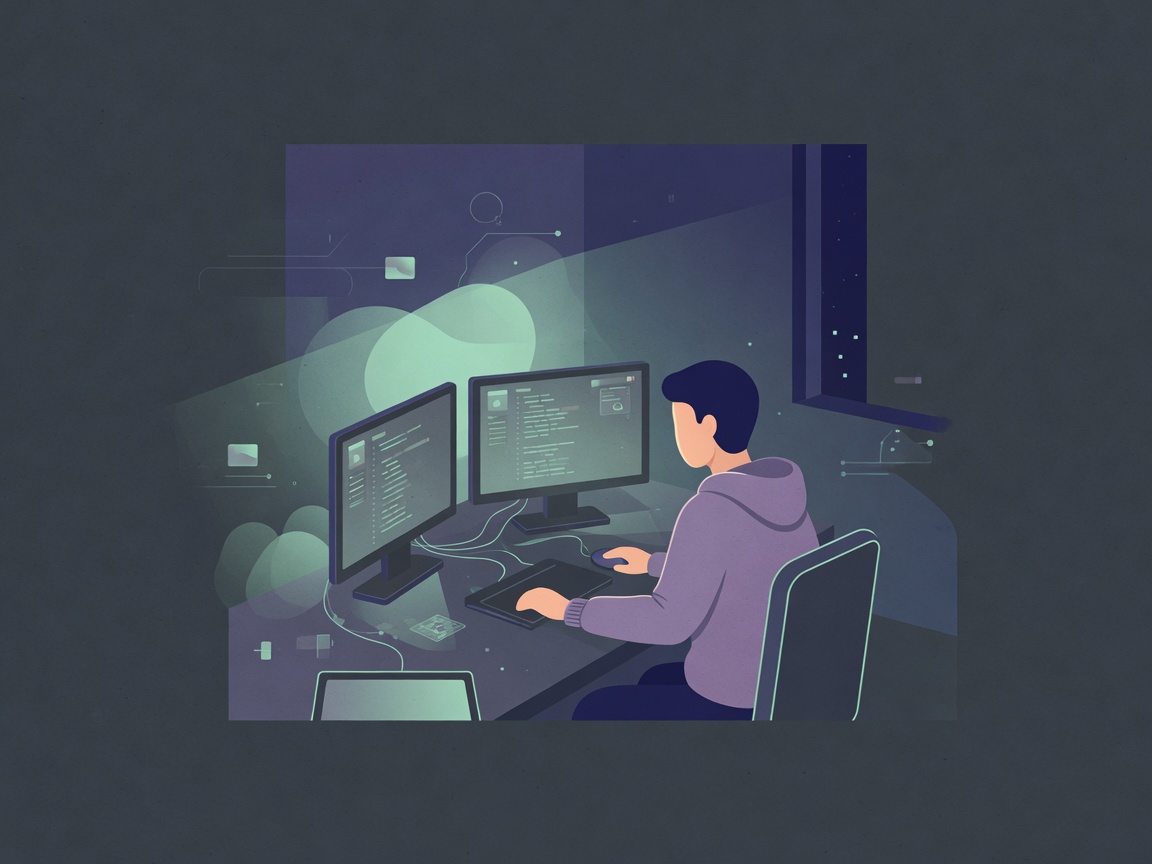
Long coding blocks, dual monitors, and late nights — posture drifts while the mind stays deep in systems.
Desk + deep workBuilt by a developer after 10 years of standing meditation practice.
Available on Google Play · App Store coming soon.
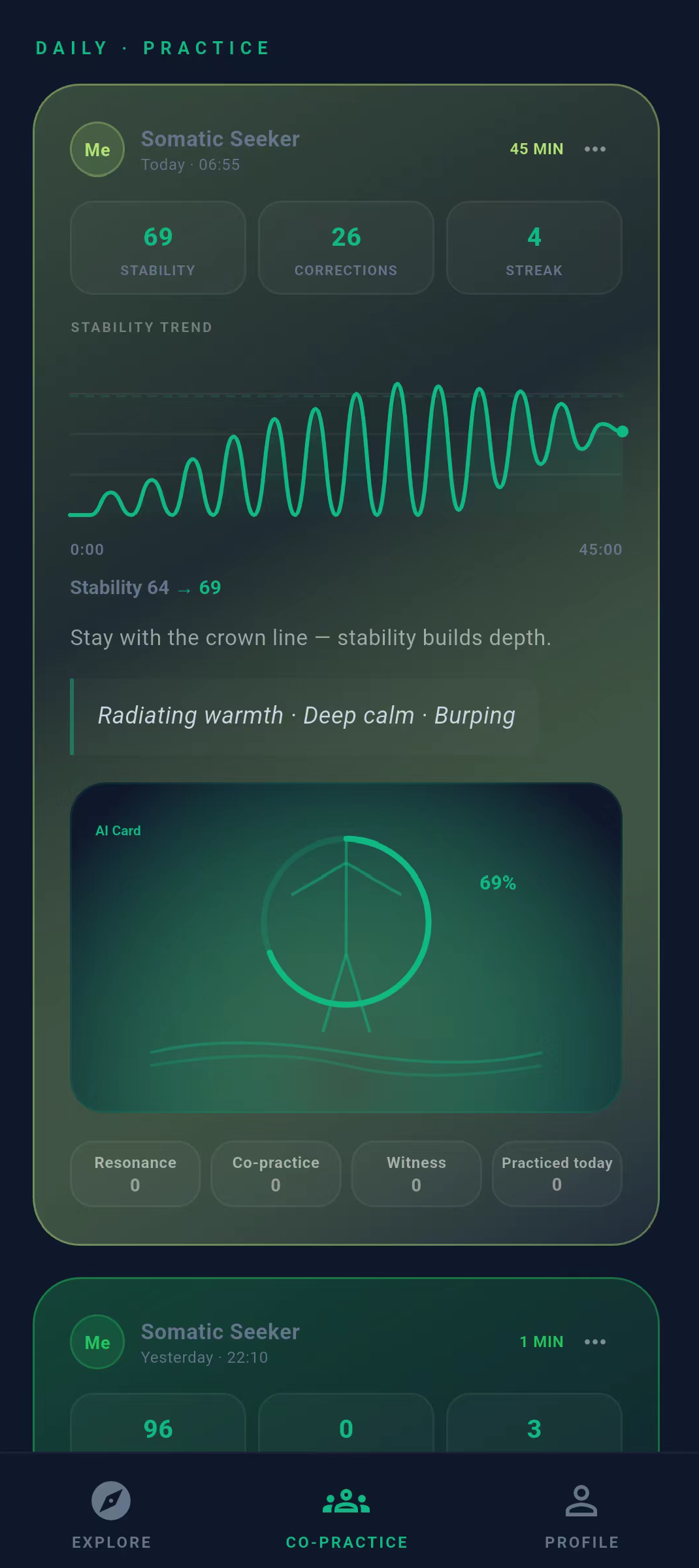
Live practice from the community.
Daily
LivePractice log
Connecting…
Founder
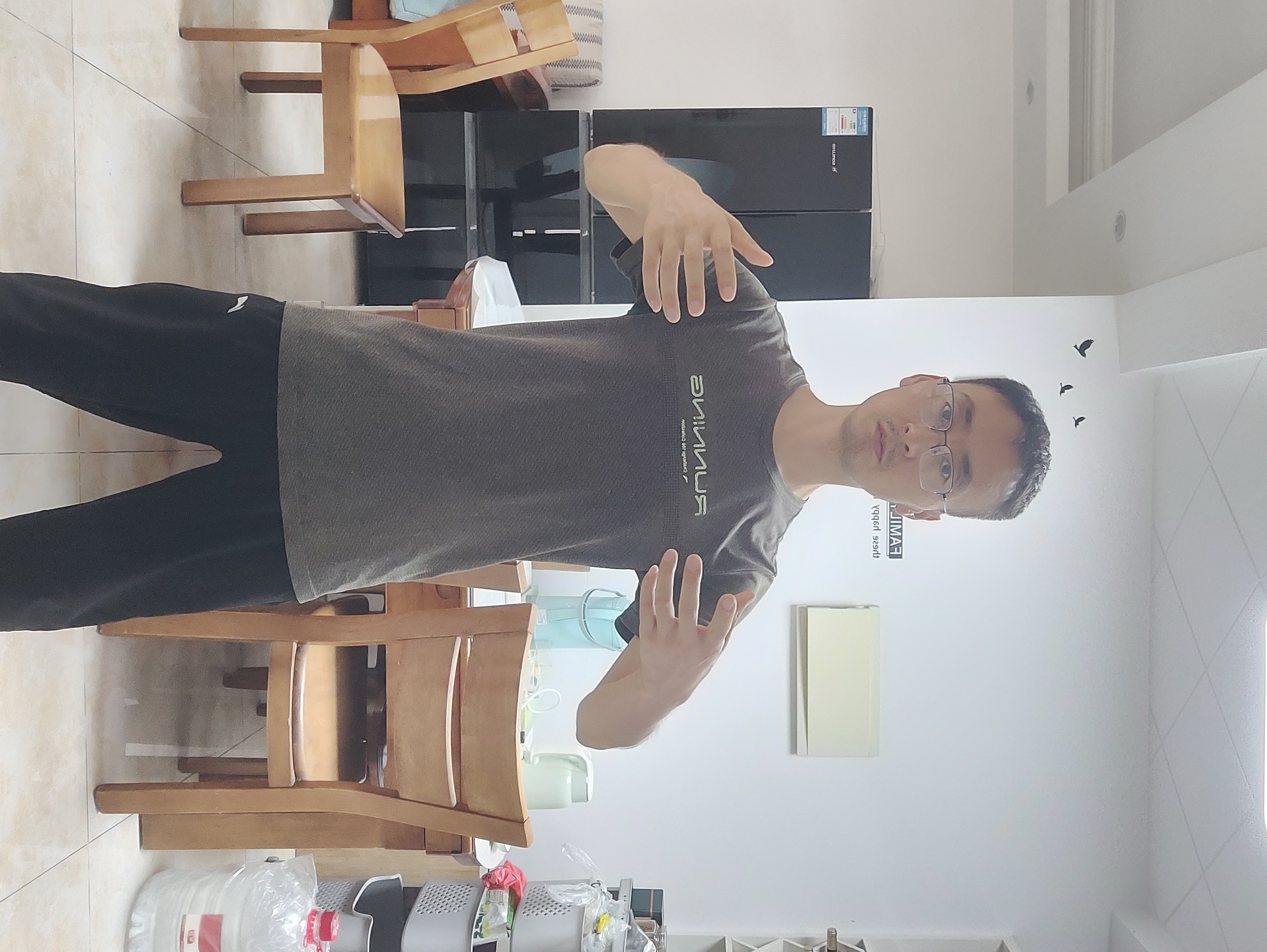
I've spent 15 years building Android apps.
Like many developers, I spent most of my days sitting in front of a screen.
Ten years ago, I started practicing standing meditation.
It changed how I recover after long periods of focused work.
That's why I built Stillness.
Built for digital work
People whose main work involves handling information, thinking, analyzing, creating, and using technology.
Long hours at a screen change how you sit, breathe, and sleep. Stillness is a short standing practice designed to reverse that load — not another productivity app.
Long coding blocks, dual monitors, and late nights — posture drifts while the mind stays deep in systems.
Desk + deep work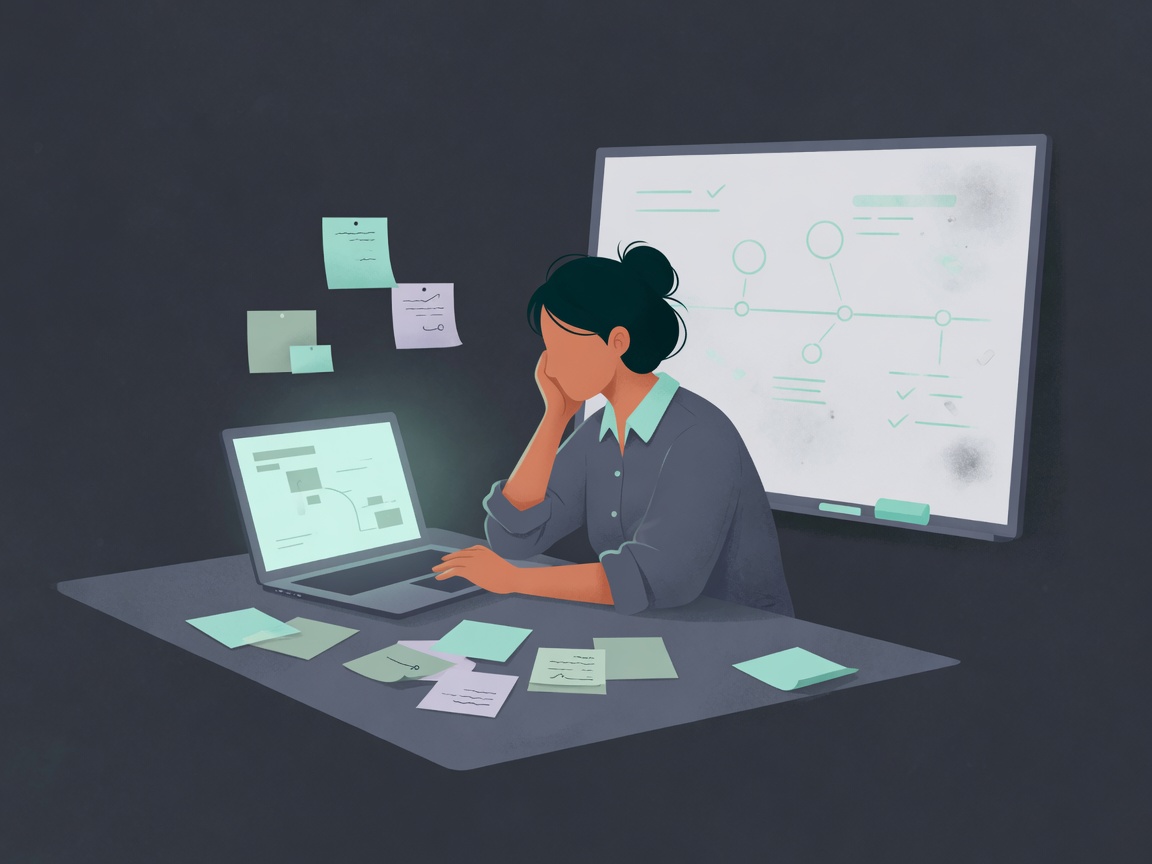
Back-to-back decisions, roadmaps, and meetings leave shoulders tight and recovery squeezed between calendars.
Meetings + decisions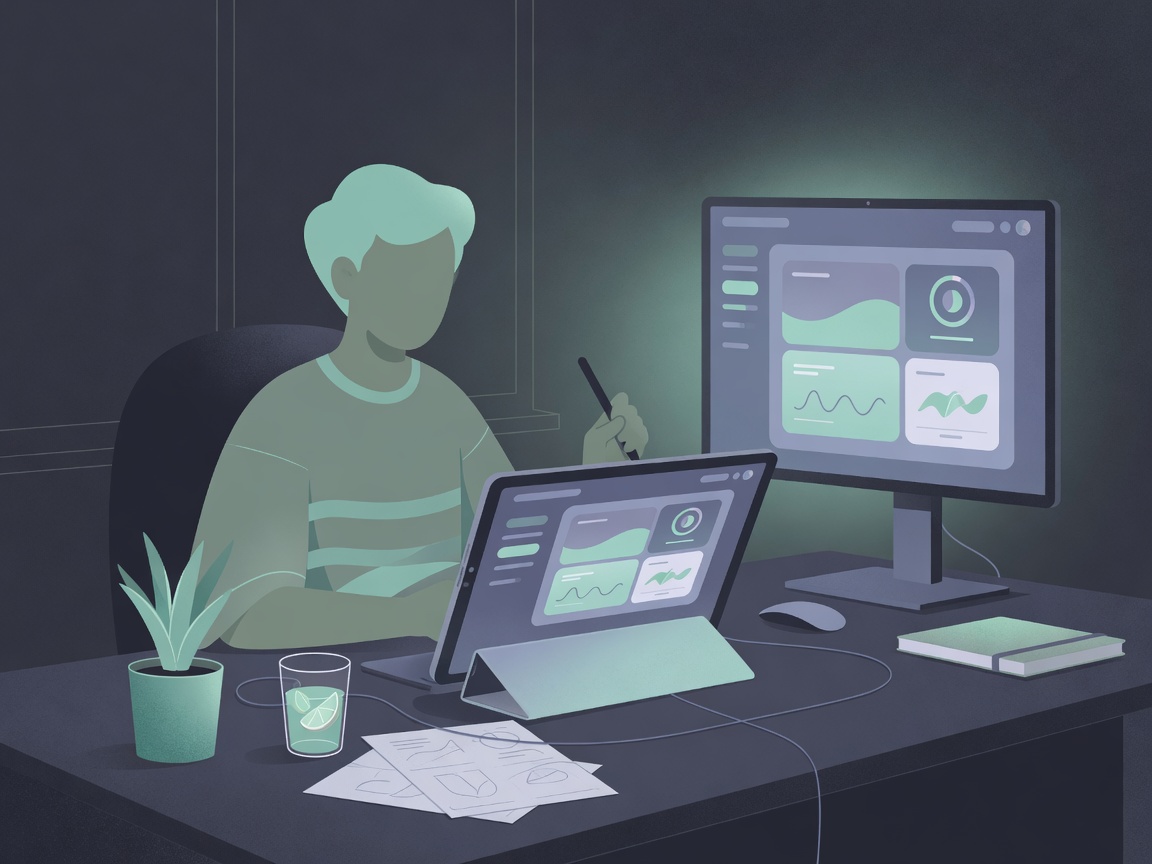
Pixel precision and long visual focus keep the body still while the eyes and neck take the load.
Screen craft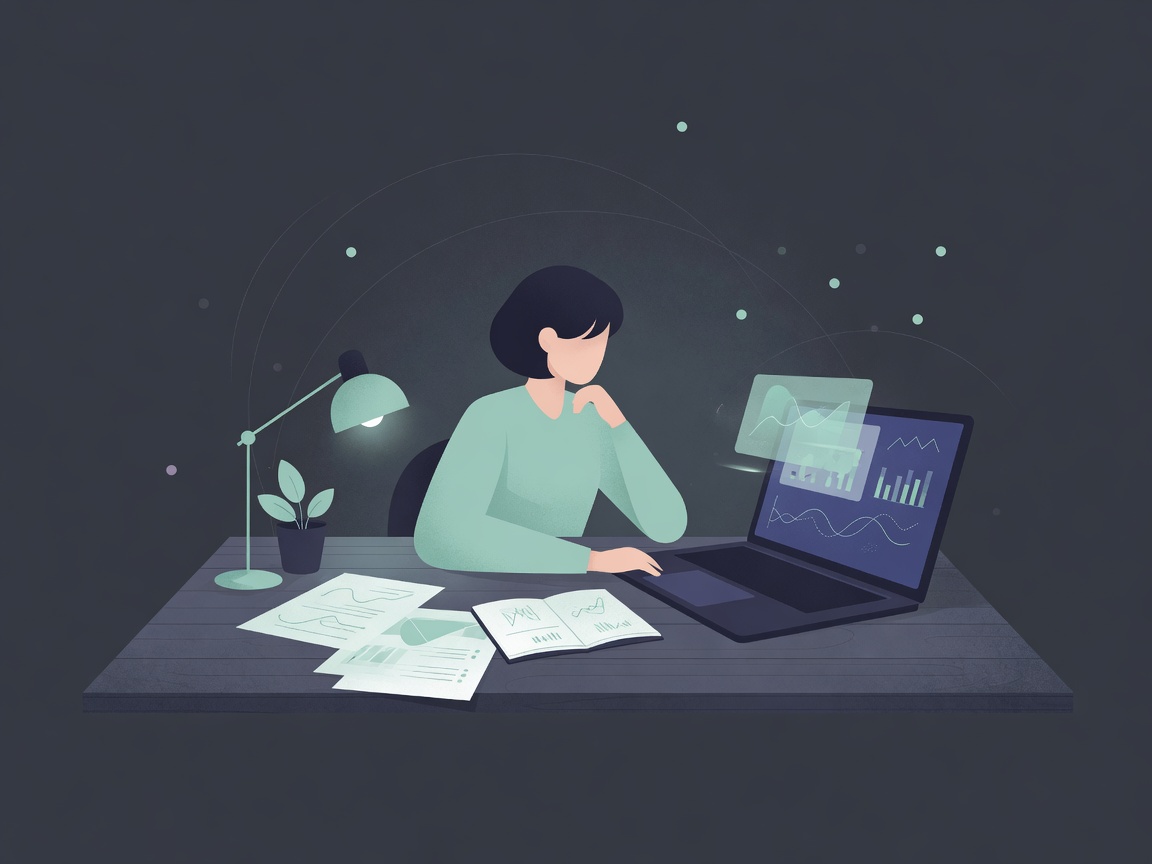
Hours of reading, analysis, and writing settle the body into one shape — awareness fades before the paper does.
Deep analysis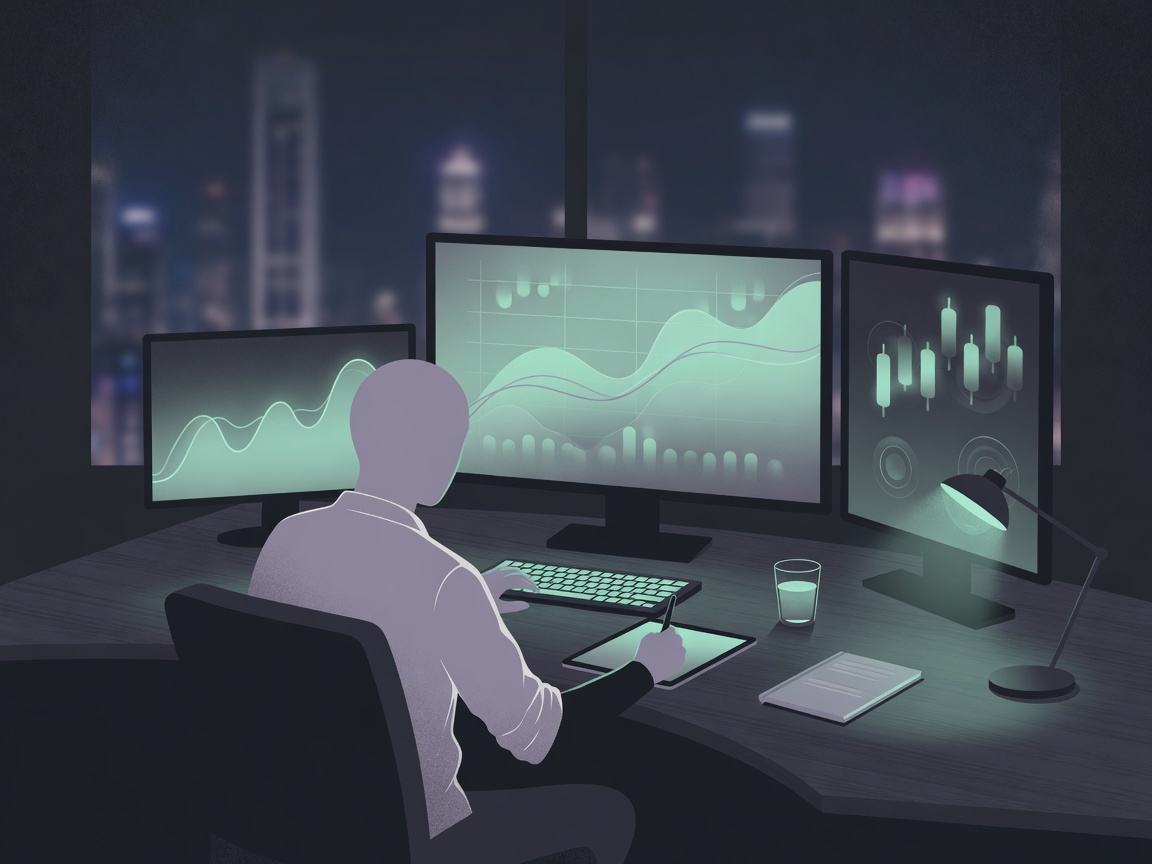
Multi-screen markets and high-stakes focus compress the day into seated intensity with little physical reset.
High intensity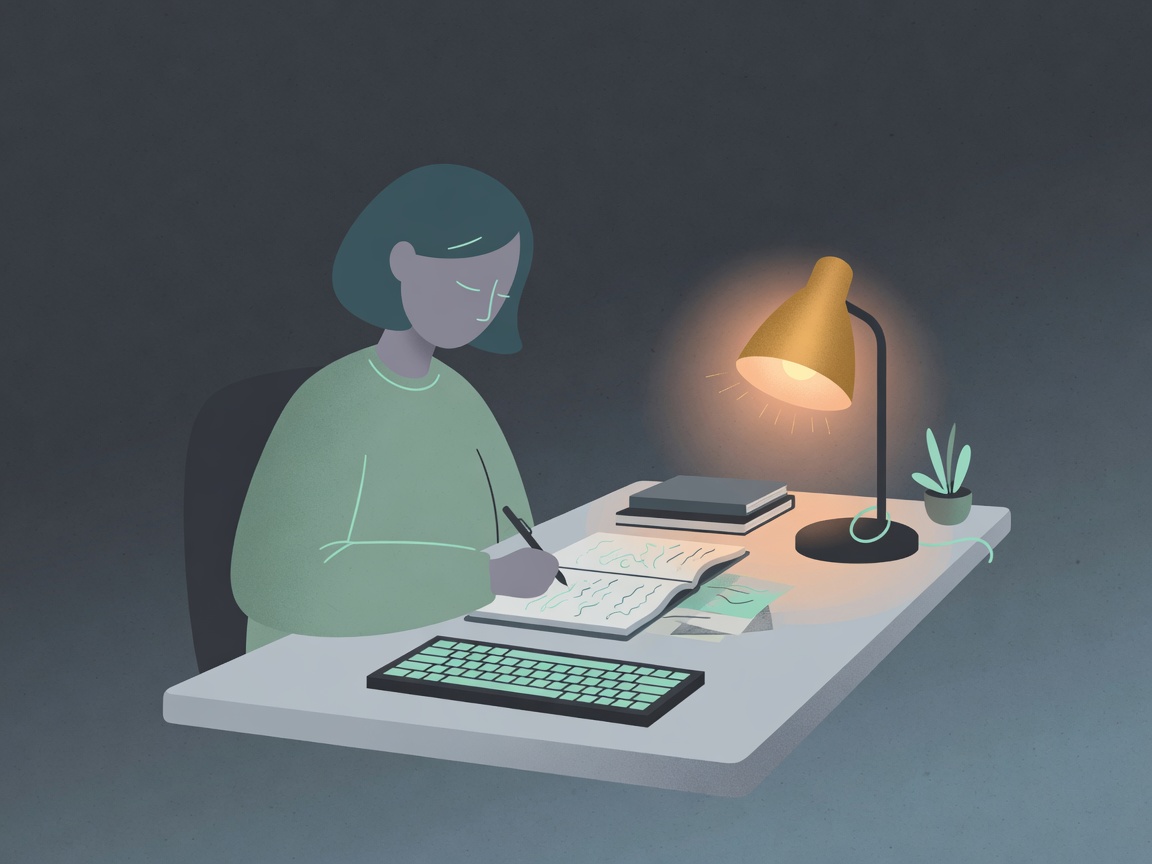
Long sits with words on the page — neck, wrists, and breath lock into the draft until the session ends.
Long form focus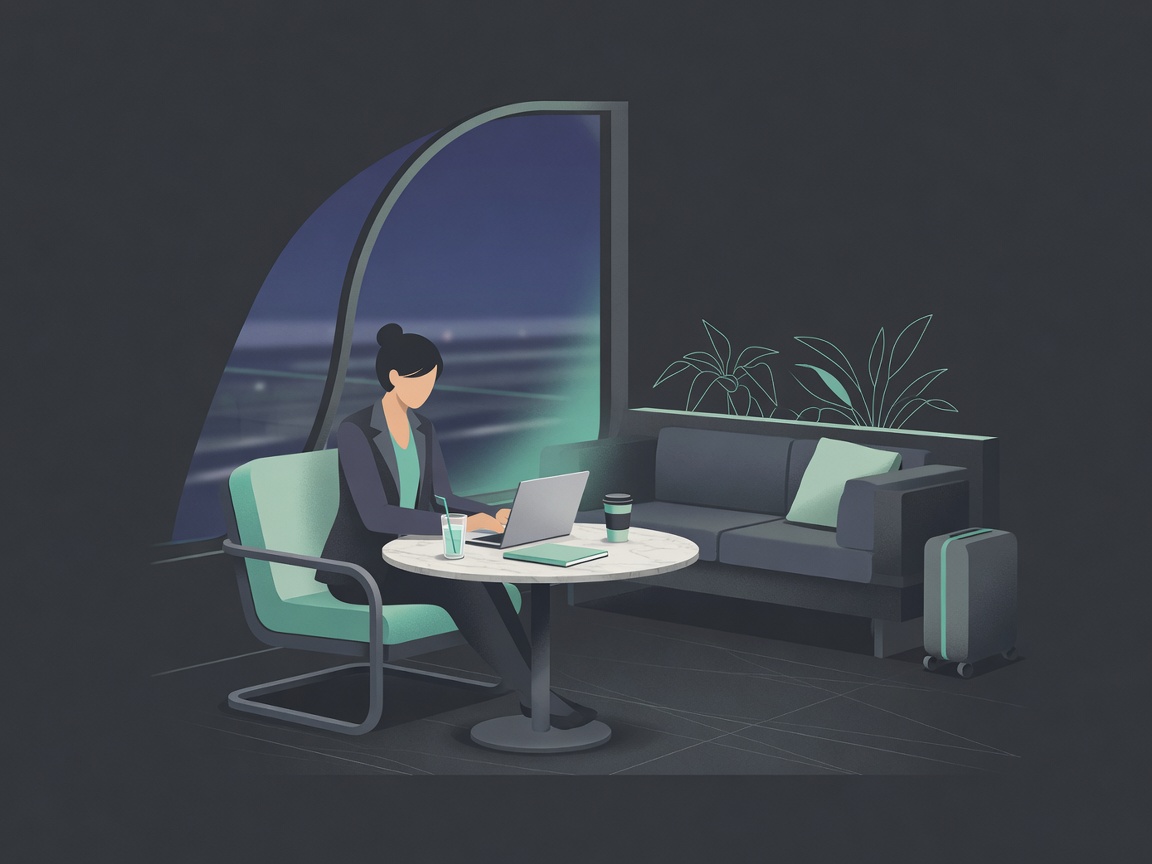
Travel, lounge work, and client weeks mean irregular movement and a body that rarely gets a real recovery window.
Travel + clients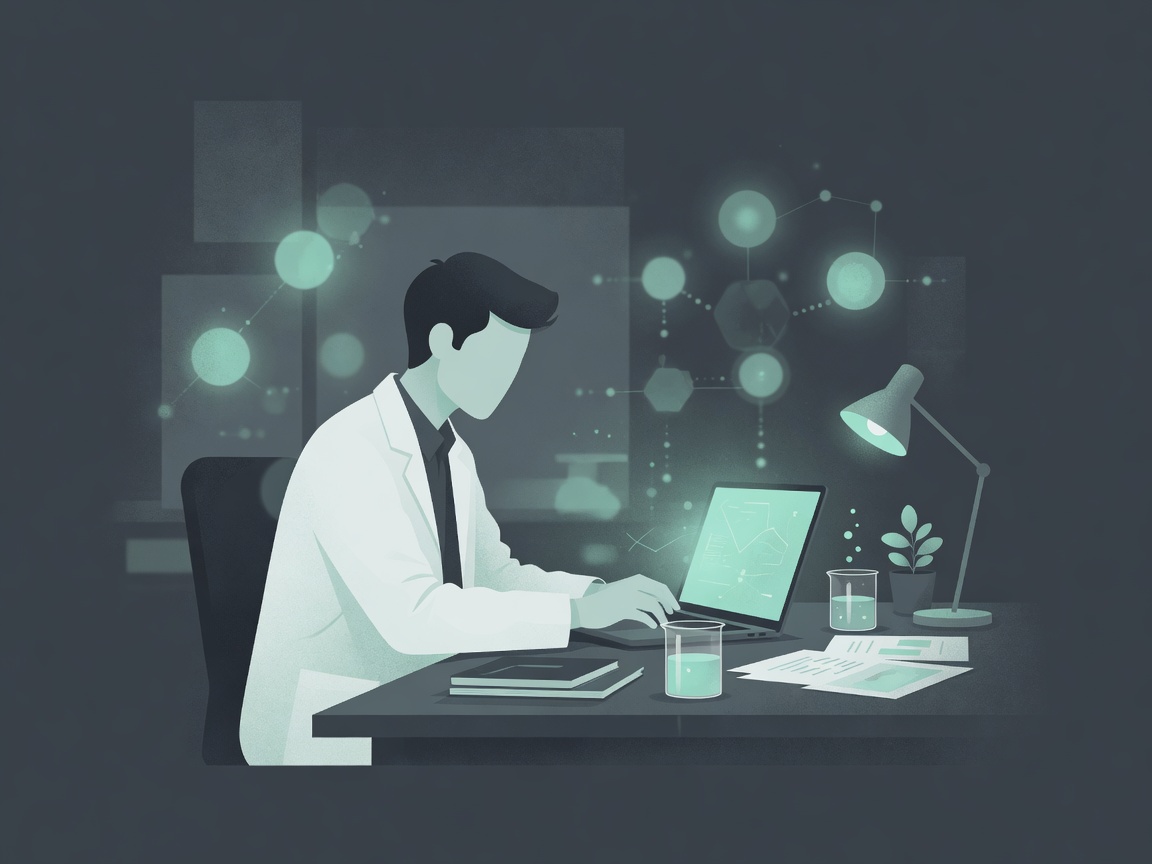
Lab hours, papers, and long analysis stretches keep the mind in experiment mode while the body stays still.
Lab + research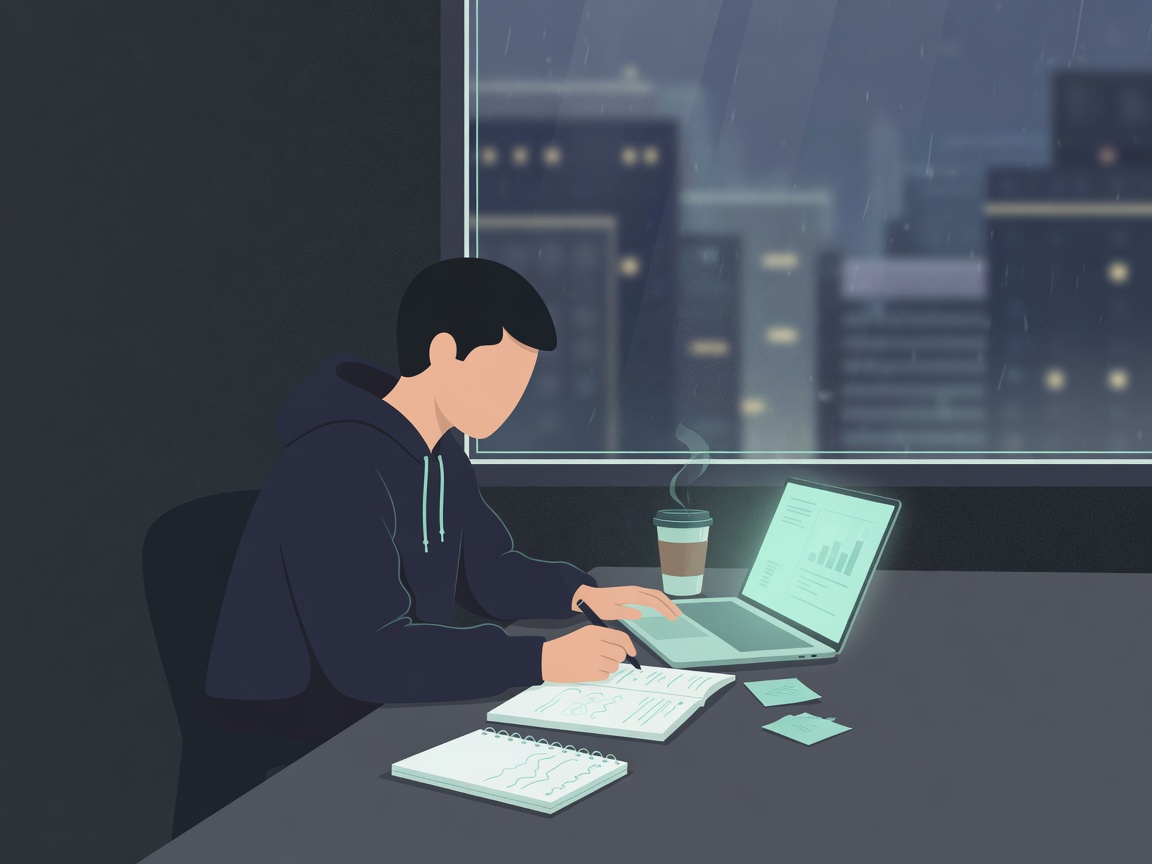
Late nights, endless context switches, and always-on pressure leave little room to reset the body that builds the company.
Build + always onStillness — A recovery practice for knowledge workers.
Reduce the physical stress of digital work, improve posture, relax your body, and support healthier sleep.
What practice supports
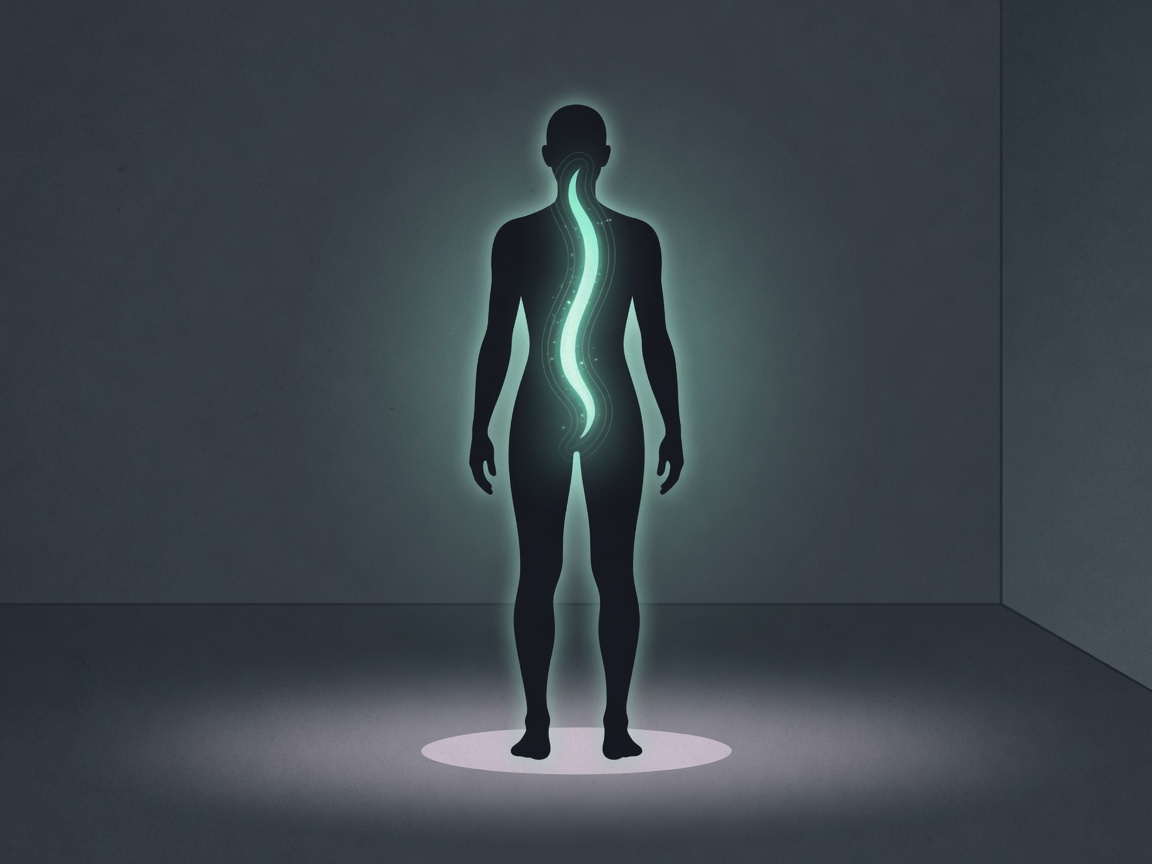
Improve body awareness and healthier posture habits.
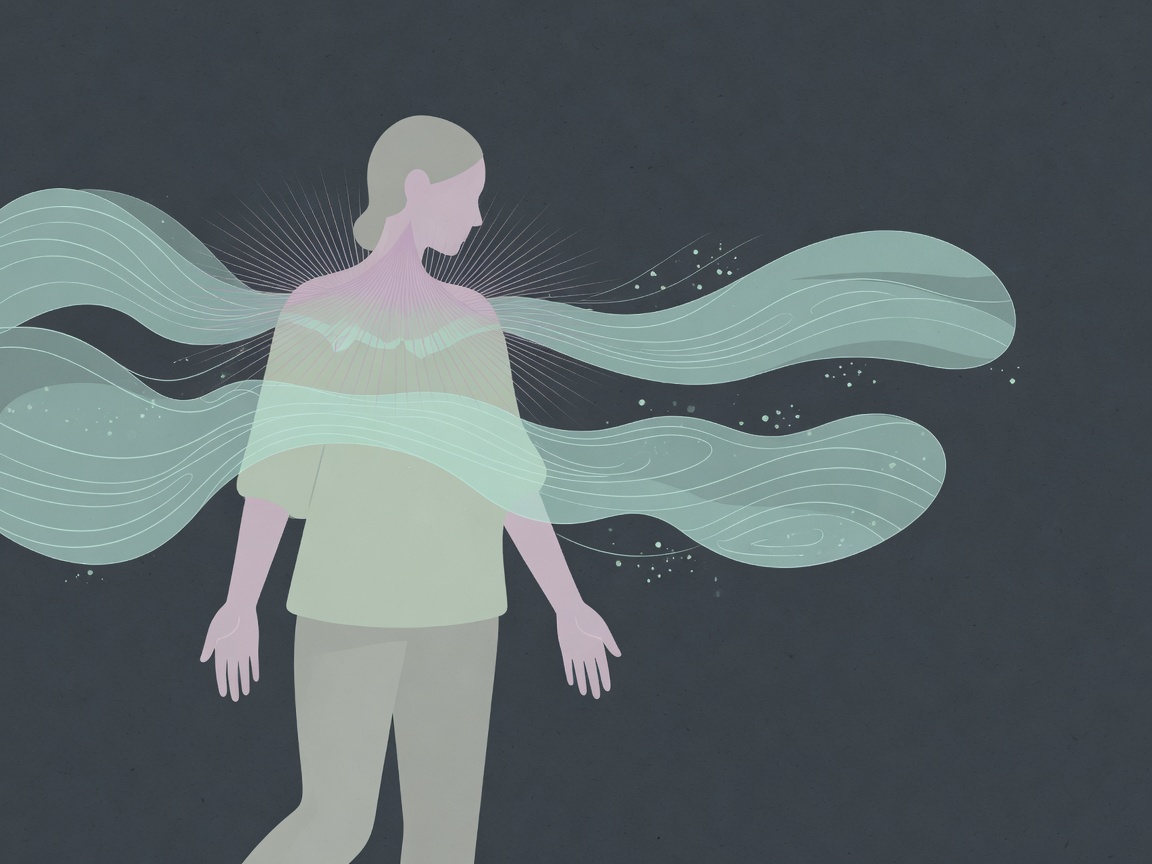
Release tension after long hours of sitting.
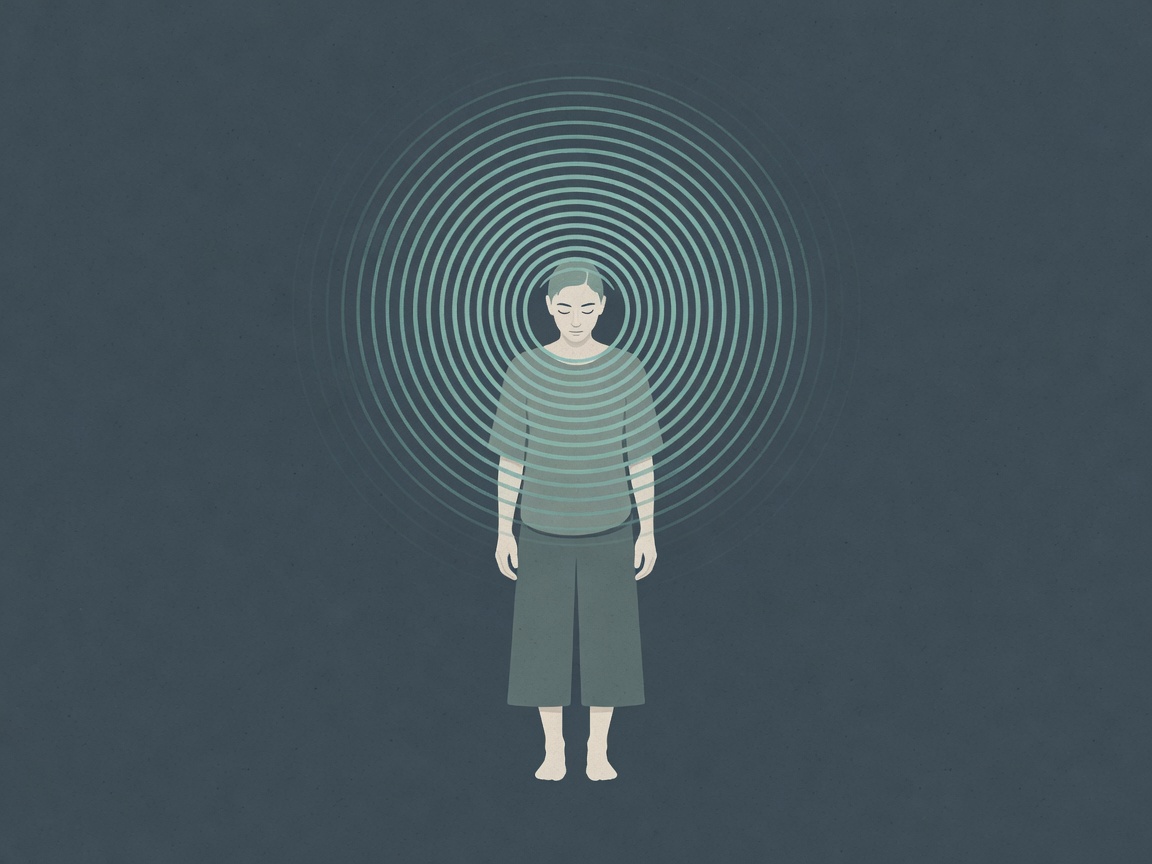
Reset your mind before or after deep work.
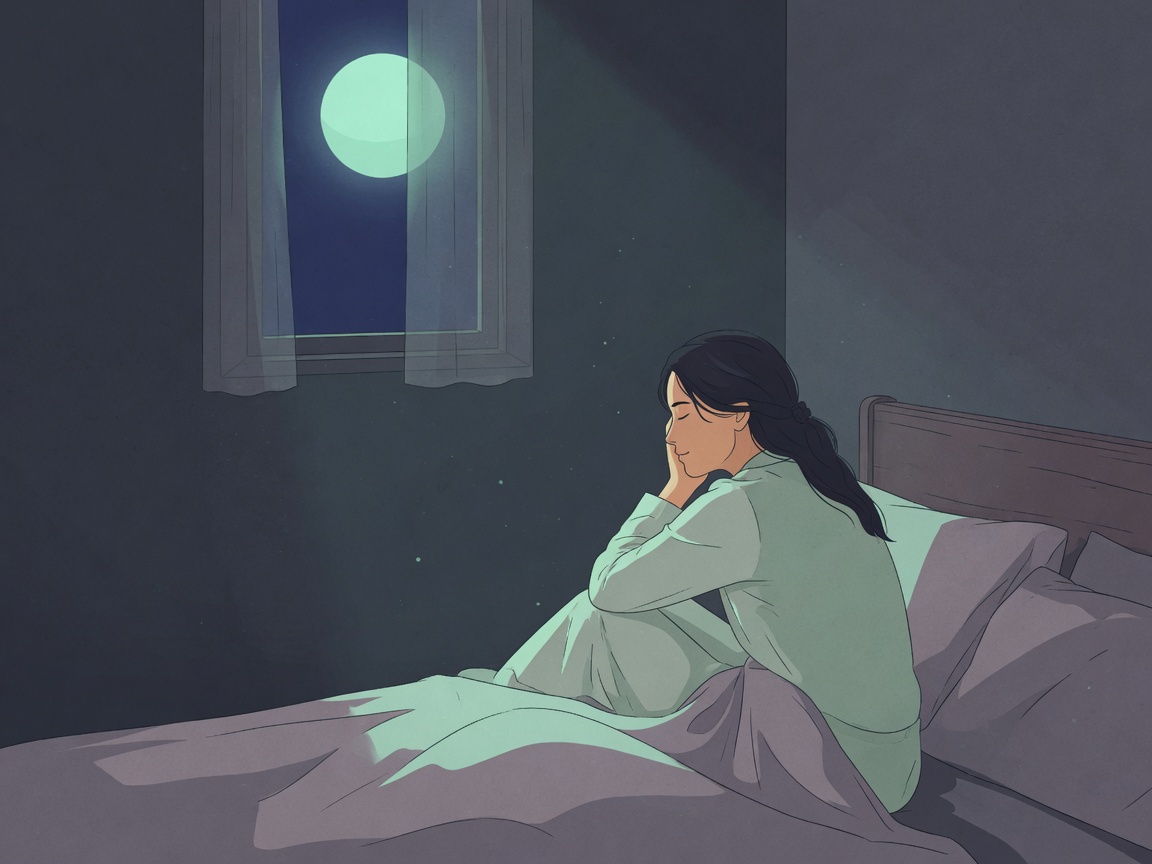
Create a calmer state that supports better sleep quality.
How it works
01
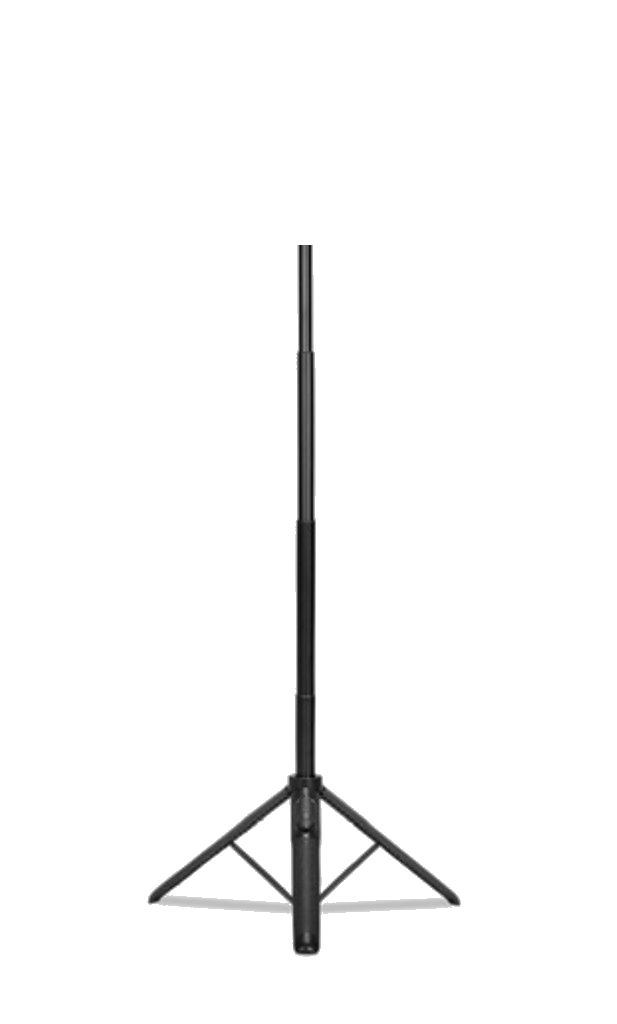
Phone on a tripod or stable stand in portrait. A few steps away so head and shoulders are in frame.
02
Quick device calibration, then a short preparation with breath cues.
03
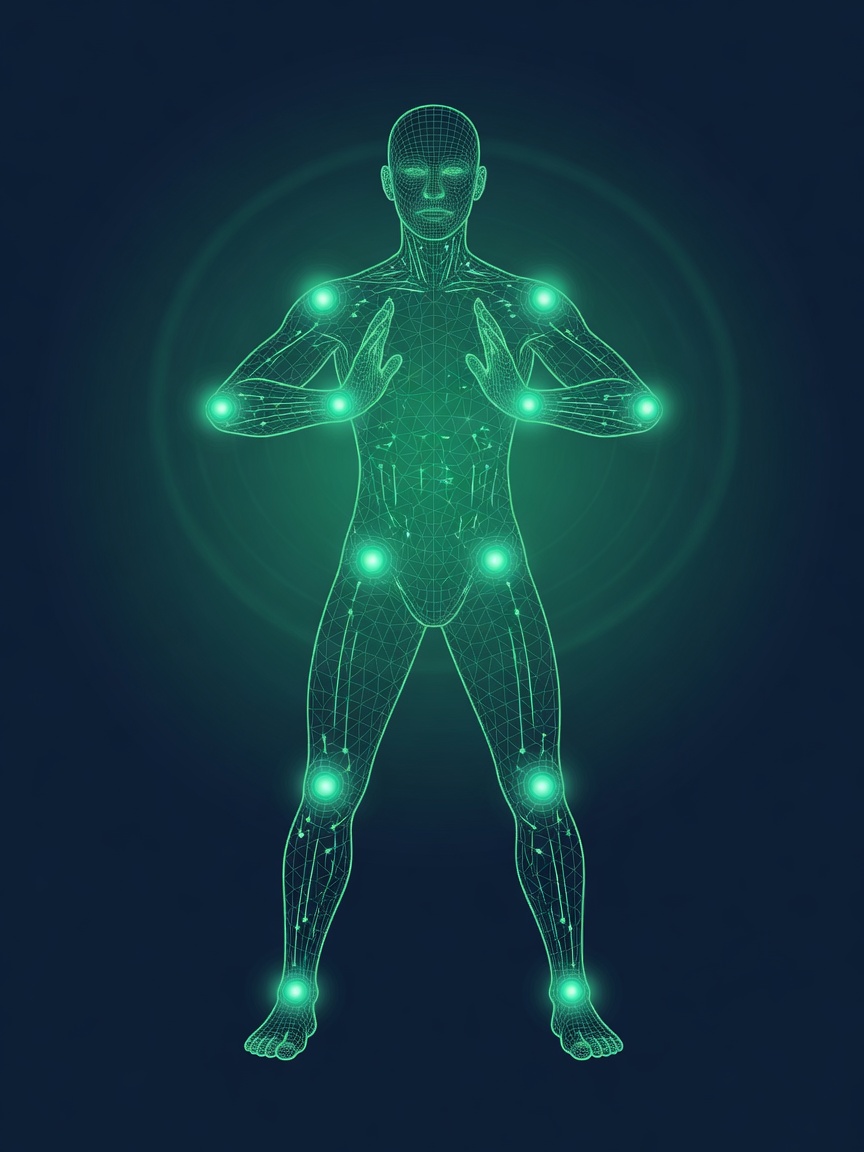
Stand still with ambient sound and gentle voice. Optional live posture feedback when you drift.
04
Guided cool-down, then a session journal and summary in your archive.
Screen recording · app demo
Tripod recommended. Portrait mount keeps the camera steady while you stand.
Camera frames never leave your phone — pose analysis runs on-device. Turn Cam off anytime for breath-only practice.
Office Reset (5 min standing) is free with the full flow. Stillness Pro unlocks longer 15–60 minute sessions.
Explore · Sessions
Between deep work blocks or at the end of the day — pick a length that fits. Each session includes preparation, standing practice, and wrap-up, with optional on-device posture cues.
Five minutes of standing recovery between deep work blocks. Ideal after long hours at a desk.
▶ Watch practice demo on YouTubeActivate the parasympathetic nervous system and settle after focused work.
Full-body isometric integration for deeper recovery and body awareness.
Sustain deep physical stillness and nervous-system quieting — the core long practice.
▶ Watch practice demo on YouTubeLong-form practice for experienced users seeking profound stillness and internal balance.
▶ Watch practice demo on YouTubeA real practice
See what a quiet recovery session actually looks like.

Set up. Stand. Breathe. Recover.
Watch the full 5-minute session →Google Play
Download Stillness and begin with a free Office Reset.
Get it on Google PlayTrust
Is my camera video uploaded?
No. Pose analysis runs on-device. We do not upload or store camera recordings.
Who is Stillness for?
Knowledge workers — engineers, product managers, designers, researchers, writers, analysts, consultants, scientists, entrepreneurs — anyone whose main work is thinking and screens. You do not need a meditation background.
Can beginners start today?
Yes. Start with the free 5-minute Office Reset — calibrate, prepare, practice with posture cues, and wrap down. Stillness Pro unlocks longer 15–60 minute sessions.
Is this medical advice?
No. Stillness is a wellness practice app. Stop if you feel pain or dizziness.
All AI computations are processed locally on your device. Video streams are NEVER uploaded to any servers.
Download Stillness and begin with a free Office Reset.